
How to Choose and Upload the Best Photo for a Personalized Gift
09.12.2026 09:39 PM By Vinny
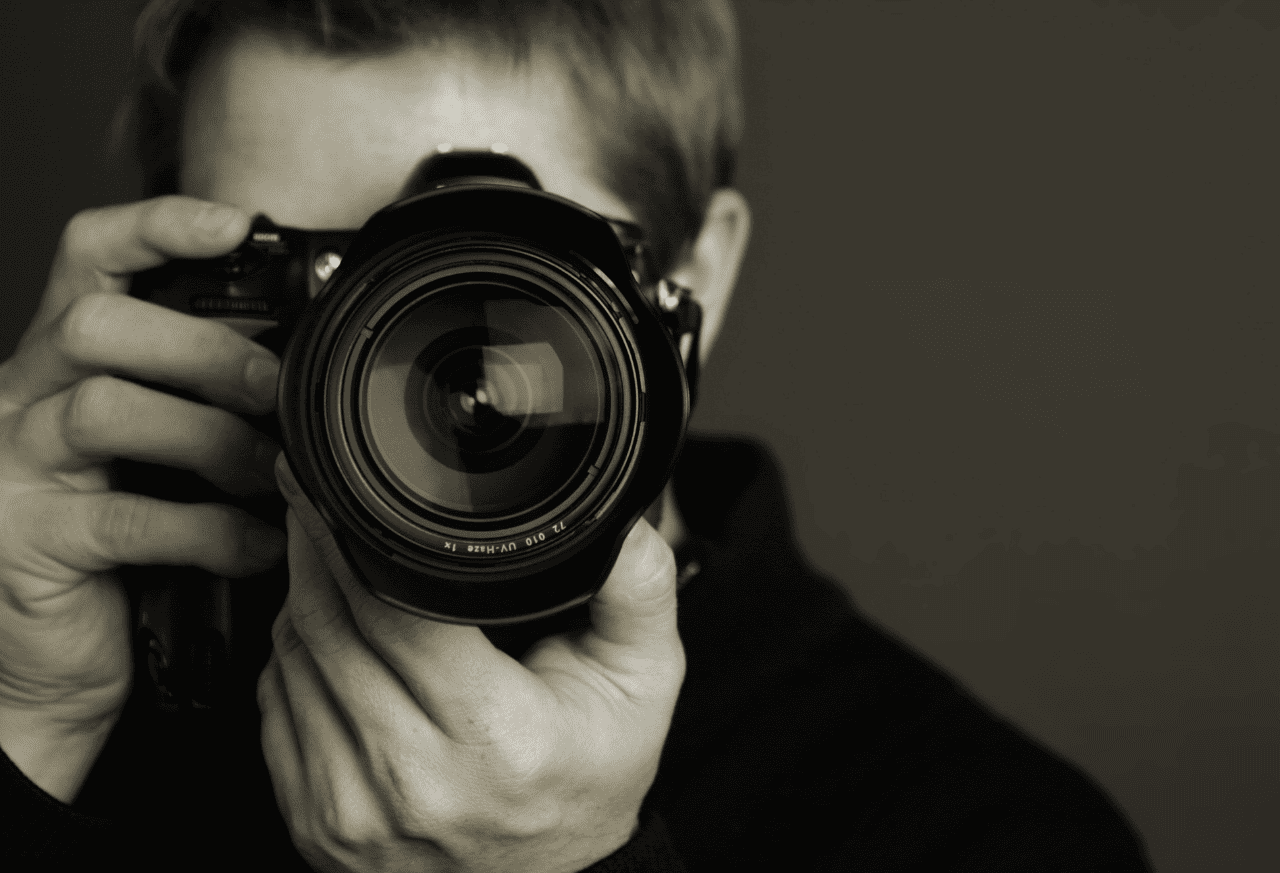
A meaningful photograph can turn an everyday item into a gift connected to a favorite person, pet, place, or memory.
Choosing the right image helps your finished gift look clear, balanced, and beautifully personal.
Start with the Original Photo
Use the original photograph whenever possible.
The best source file is usually:
The original image from your phone or camera
The largest available file
Clear and in focus
Bright enough to see important details
Free from filters, stickers, or added text
An original file typically contains more detail than a copy saved from another source.
Avoid Screenshots
A screenshot may look fine on your phone but still produce a lower-quality finished image.
Whenever possible, avoid:
Screenshots
Photographs downloaded from social media
Images copied from a website
Photos sent through text messaging
Heavily cropped images
Small preview or thumbnail files
These versions may have already been compressed or reduced in size.
Check the Focus & Lighting
Zoom in before uploading your image.
Look closely at:
Faces
Eyes
Fine details
Areas with movement
Dark shadows
Bright glare
If the important parts appear blurry or pixelated on your screen, that lack of detail may also be visible on the finished gift.
Leave Room Around the Subject
Some products require a photograph to be cropped into a circle, square, heart, or another shape.
Choose an image with enough space around the subject so important details are not placed too close to the edge.
This is especially important for:
Group photographs
Full-body images
Pets with tall ears or long tails
Wedding photographs
Images containing signs or meaningful backgrounds
Choose a Photo that Fits the Product
A photograph that works well on one product may not be ideal for another.
Consider whether the product’s design area is:
Horizontal
Vertical
Square
Round
Narrow
Small and detailed
A close-up portrait may work beautifully on a small ornament, while a wider family photograph may be better suited to a plaque or larger display.
Uploading From Your Phone
Photos taken with a phone can produce beautiful personalized gifts.
When uploading from your phone:
Select the original photograph
Choose the largest or full-size option
Avoid sending the image through text or social media first
Confirm that the upload has finished before leaving the page
Keep the original saved until your order is complete
Using a Printed Photo
If the photograph exists only as a physical print, scan it at the highest practical quality.
For a cleaner result:
Remove the photograph from its frame
Clean the scanner glass
Place the photograph flat
Avoid photographing it through glass
Check the digital copy for glare, shadows, and reflections
A clear scan usually provides a better starting point than a photograph of a photograph.
Will My Photo be Edited?
Photos submitted with an order are not automatically retouched, enhanced, or color-corrected.
Your image may be:
Cropped
Resized
Repositioned
Adjusted to fit the selected design area
These layout adjustments help place the photograph on the product but do not repair blur, improve resolution, or change the original image.
Request Editing
If you need background removal or another image modification, request it before placing your order.
Submit the photograph and your instructions through the Personalization Portal so the request can be reviewed before production.
A complimentary proof with up to two design variations may be requested before ordering when you would like to review the proposed layout.
Review Before You Submit
Review Before You Submit
Before completing your upload, ask:
Is this the original file?
Is the subject in focus?
Are faces clearly visible?
Is the image bright enough?
Is there room for cropping?
Did I select the correct photograph?
Did I include all required instructions?
Taking a moment to review the image can make a meaningful difference in the finished gift.
Questions are Welcome
Questions are Welcome
If you are unsure whether a photograph will work for your selected product, ask before ordering.
Sharing the image, product name, and intended design will make it easier to determine the best next step.